PRODUCTION WORKFLOW
Print Proof Approval: A Workflow That Prevents Costly Reprints
Build a proof approval process that controls versions, captures customer sign-off, and stops unapproved artwork from reaching production.
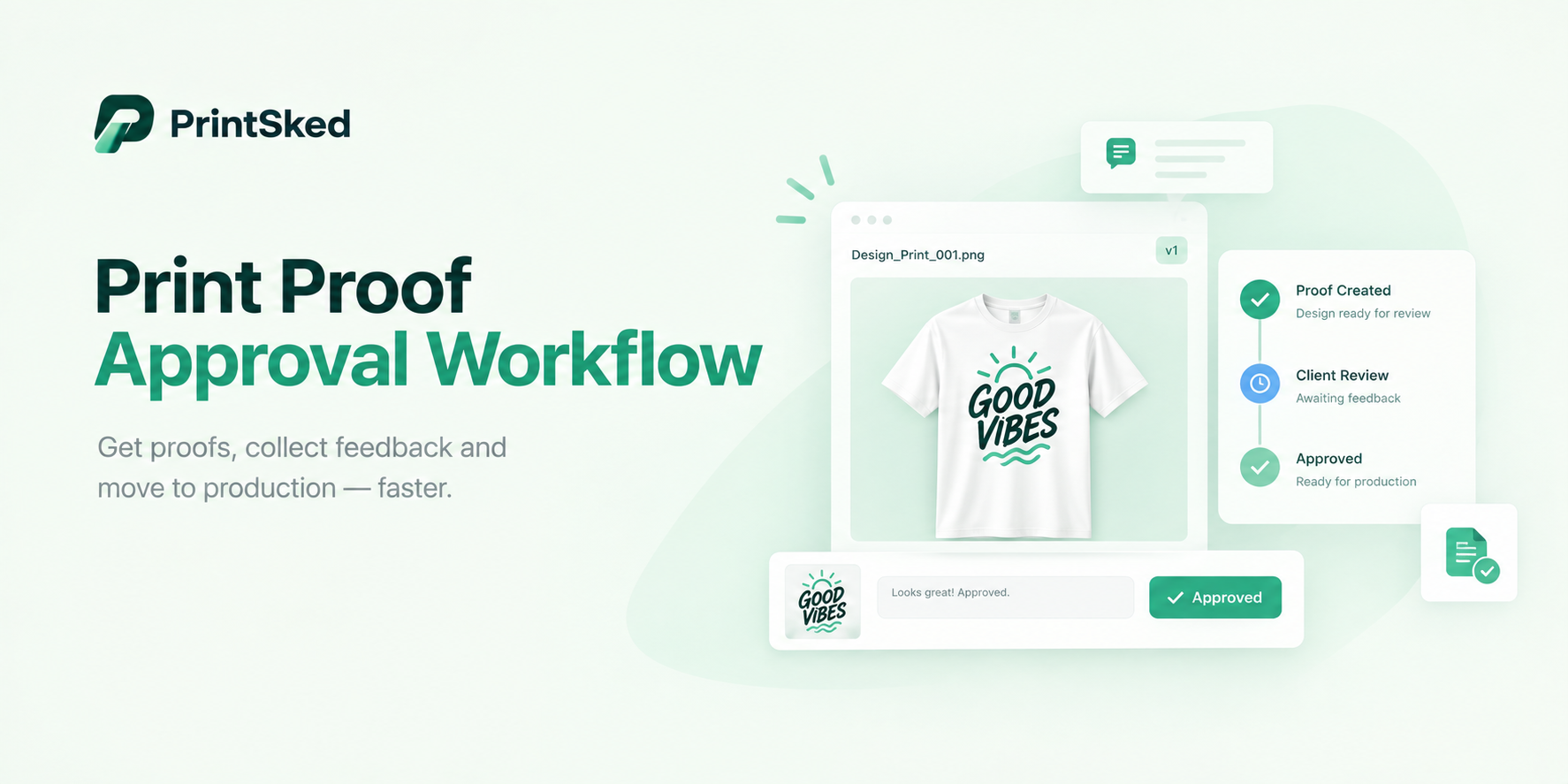
A proof approval process has one job: make sure production creates what the customer actually approved.
That sounds obvious, but reprints often start with small communication failures. A customer approves an old PDF. Sales forwards a revision in a separate email. Production prints the file attached to the original job ticket. A verbal “looks good” is interpreted as approval even though the customer meant only the layout.
A reliable workflow removes those ambiguities before ink, substrate, garments, machine time, and labor are committed.
What should a print proof include?
The proof should show enough information for the customer to make an informed approval. Depending on the product, that may include artwork, dimensions, quantity, colors, placement, substrate or garment, finishing, spelling, variable information, and production notes that affect appearance.
A proof is not always a color contract. Screens, office printers, substrate, ink systems, lighting, and production processes can change perceived color. If exact color matching matters, define the standard, such as an approved physical sample, Pantone reference, or calibrated contract proof.
Separate artwork approval from order approval
A customer can approve the artwork while the quantity, material, or delivery details remain wrong. Keep the approved quote or order specifications connected to the proof so production can see both.
PrintSked’s online proofing keeps comments, versions, and approval with the job record, while the customer portal gives customers one place to review job information.
Use one source of truth for proof versions
File names such as FINAL.pdf, FINAL-v2.pdf, and FINAL-USE-THIS.pdf are not version control. Give each proof a clear version number and keep the history attached to the job.
When a new version is issued, the previous version should no longer be the active approval target. Production should be able to identify the approved version without searching email threads or chat messages.
A simple version sequence might be V1, V2, V3. What matters is that the version the customer approves is exactly the version production receives.
Keep comments on the proof
Feedback such as “move the logo left” is safer when pinned to the relevant area than when copied from a long email. Context reduces interpretation errors. It also creates a record of what was requested and what changed between versions.
Define what counts as approval
Your shop should have one clear approval action. That could be an Approve button in a proofing system or a documented written approval process. Avoid treating silence, payment, or a vague reply as artwork approval unless your terms explicitly define it that way.
The approval record should identify the customer, proof version, date and time, and status. For important work, keep that record with the job after completion.
Production rule: if the current proof status is not approved, the job does not enter final production.
What the customer should check
Make the customer’s responsibility understandable. Ask them to review spelling, phone numbers, URLs, dates, names, quantities, dimensions, layout, image placement, and other customer-supplied information.
For apparel, include garment color, decoration location, approximate size, and artwork. For signs and wraps, include dimensions, orientation, vehicle or site context, and relevant placement. For commercial print, page count, trim size, folds, pagination, bleeds, and finishing may need confirmation.
Do not bury critical approval instructions in a long paragraph of legal text. Put the important checks close to the proof.
What happens when the customer requests a change?
Mark the proof as changes requested, record the comments, create the next version, and send that version for approval. Do not edit the approved file silently while leaving the old approval status in place.
If the change affects price, material, quantity, production method, or due date, update the commercial side of the job too. Artwork approval and job scope need to stay aligned.
Changes after approval need a reset
If a customer changes the artwork after approval, the previous approval should no longer release the revised file. Create a new proof version and obtain a new approval.
If production has already started, explain the cost and schedule impact before proceeding. Plates, screens, printed media, garments, setup, or machine time may already have been consumed.
This is where a clear change policy protects both the customer and the shop. The customer understands why the price changed, and the shop does not quietly absorb a reprint caused by a post-approval revision.
Connect approval directly to production status
The safest handoff is a workflow where approval changes the job from waiting for proof to ready for production. Production should not depend on someone remembering to forward an email.
For a broader handoff structure, read How to Build a Print Shop Workflow That Actually Works and How to Organize Jobs in a Busy Sign Shop.
Do not let due-date pressure bypass proofing
Rush jobs create pressure to “just run it.” If customer approval is required, the rush schedule needs to include time for that approval. Sales should tell the customer that a delayed proof response can move the production or delivery date.
Set an internal cutoff. For example, a job scheduled to print Thursday morning may require approval by Wednesday noon. That gives the customer a clear deadline and gives production a realistic release point.
Measure proofing problems
Track how many proof rounds jobs require, average approval time, jobs delayed waiting for approval, reprints caused by artwork or communication errors, and the cost of those reprints.
If one product type consistently requires four proof rounds, the order intake may be missing information. If customers regularly approve slowly, sales may need to set clearer deadlines. If production uses wrong versions, the file-release process needs to change.
Print proof approval checklist
- Correct customer and job number
- Correct product, size, quantity, and material
- Current artwork version clearly identified
- Spelling, contact information, dates, and URLs checked
- Placement and dimensions shown where relevant
- Color expectations stated where necessary
- Finishing or production details visible when they affect appearance
- Customer comments recorded against the current version
- Approval captured with date, time, customer, and version
- Approved version locked as the production version
- Any post-approval change creates a new version and approval
A good proofing workflow is cheaper than a reprint
Proofing should not become bureaucracy. The best process is simple for the customer and strict where it matters: one current version, clear feedback, explicit approval, and a direct release into production.
That is especially valuable as volume grows. People no longer have to remember which email contained the final file because the job record tells them.
See how PrintSked connects online proofing, job management, and production scheduling from customer approval through production.
Run your shop with the job details connected.
PrintSked brings quoting, production, approvals, scheduling, inventory, and reporting into one system built for print, sign, and apparel shops.